
Why choose Zoho Forms?

Zoho Forms’ intuitive interface makes it easy to create online forms. Streamline internal and external data collection. You save time creating forms and automate the processing of information and the reading of results.

1

Drag and drop

Use drag-and-drop menus to prepare your forms in just a few minutes. Choose themes or templates from the catalog, or customize your forms – whatever suits you best!

2

A large number of fields are available directly

Multiple choice questionnaire, phone number, payment terms, name, file download, numbers, etc.

3

Increase productivity

You can also reuse your existing forms to adapt them.

4

Get to know your customers better

With this tool for creating online forms, you can collect the data you need to get to know your customers better: launch satisfaction surveys, market studies and ask for opinions.

5

facilitate your company's processes

Use online forms to facilitate your company’s processes: organize travel booking requests, group training registrations, let your employees report a bug or difficulty. You can integrate forms into your workflows and automatically launch an action based on a type of response, such as sending an e-mail or contacting a colleague.

6

Mobile application

Install the mobile app to build questionnaires and consult responses anywhere, anytime.

7

Facilitate your users' experience

Publish your forms in a form that adapts to all screen formats (responsive). Users can save their first answers and finish later if they wish. Once the form has been filled in, you can send them a confirmation, an attachment, or direct them to a web page.

8

Share your surveys any way you like

By e-mail, by sending a personal or public link, on your company’s intranet or extranet site.

9

Publish on your social networks

Publish your forms on your social networks with ease, using the buttons provided for each network.

10

Synchronize Zoho Forms with your usual tools

Cike Google Sheets, WordPress, Salesforce or Mailchimp.

11

Notifications

Set up notifications to be informed as soon as answers are given, or according to the types of answers you want to see first .

12

Data analysis

Analyze the data collected and read the results in easy-to-read graphs or columns. You can also export them in PDF or CSV format. Thanks to your customers’ answers, improve your marketing strategy.

13

Privacy

Assure users of your compliance with privacy and data regulations such as the RGPD.

EKIP-R Kelvélo

Testimonials Mobix - EkipRMobix configured Zoho to suit our business. We’ve even been able to develop a feature specific to our business. And we continue to build on their expertise. Thanks to Florian for his availability, his attentiveness and his professionalism. I highly recommend it.
MIHARU Forever Boutique

Testimonials Mobix - MiharuMobix has been an excellent service provider for the implementation of Zoho software. Professionalism and efficiency. 100% recommendation.
GARDIO Pizza Campus

Testimonials Mobix - GardioMobix helps us with integrations between Zoho and various other systems. Fast and very knowledgeable, invaluable support for us!
HEYLIOT FAA French American Academy

Testimonials Mobix - HeyliotMobix was able to support us perfectly as we took control of our CRM. The advice we received was immediately put into action, and within a few days we were able to get back on track. So I recommend Mobix without hesitation!



For greater efficiency, we recommend pairing Zoho Forms with the other software products in the Zoho One suite

Anomalies, suggestions, predictions.

Built-in artificial intelligence allows you to go even further and detect anomalies or produce predictions and suggestions.

Secure data.

With Zoho Forms, data is secure and accessible in real time and from anywhere, because it’s a cloud solution.

Personalized follow-up.

At Mobix, we’re committed to providing customized implementation and personalized support for your project.

Interconnections.

Zoho Forms also connects seamlessly with third-party applications, your existing business tools and other Zoho tools.

Learn how Zoho One meets all your needs. Choose your

Zoho Campaigns

The software to manage your campaigns.

Do you want to improve the management of your campaigns?

Découvrir Zoho Campaigns

Zoho Social

The software to manage your social networks.

Want to build and engage your community?

Découvrir Zoho Social

Zoho Projects

The software to manage your projects.

Do you want to improve the management of your projects?

Découvrir Zoho Projects

Zoho CRM

The customer relationship management software.

You want to improve your customer relationship management and adopt a CRM software?

Découvrir Zoho CRM

Zoho Sales Iq

Zoho's live chat software

Want to improve visitor engagement on your website?

Découvrir Zoho Sales Iq

Zoho Books

The software to manage your accounting

Would you like to improve your accounting management?

Découvrir Zoho Books

Zoho sign

The electronic signature software

Do you want a secure digital signature?

Découvrir Zoho sign

We are specialists in the digitalization of SMEs

Our consulting, support and follow-up offers are adapted to your organization, regardless of your current tools.

Ask for a demonstration

Le blog

ACTUALITÉS - 5 min

MOBIX a été certifié Partner Premium par Zoho

Le monde d’aujourd’hui évolue autour du numérique qui révolutionne notre mode de fonctionnement au quotidien. MOBIX ZOHO Premium Partner en France, est un des premiers
ZOHO Campaigns - 5 min

Zoho Campaigns : logiciel de marketing par e-mail de la suite d'applications Zoho

ZOHO Campaigns est conçu pour créer, diffuser et gérer des campagnes par e-mail pour vous aider à développer vos ventes. A l'aide de ZOHO Campaigns, votre équipe

ZOHO CANVAS - 4 min

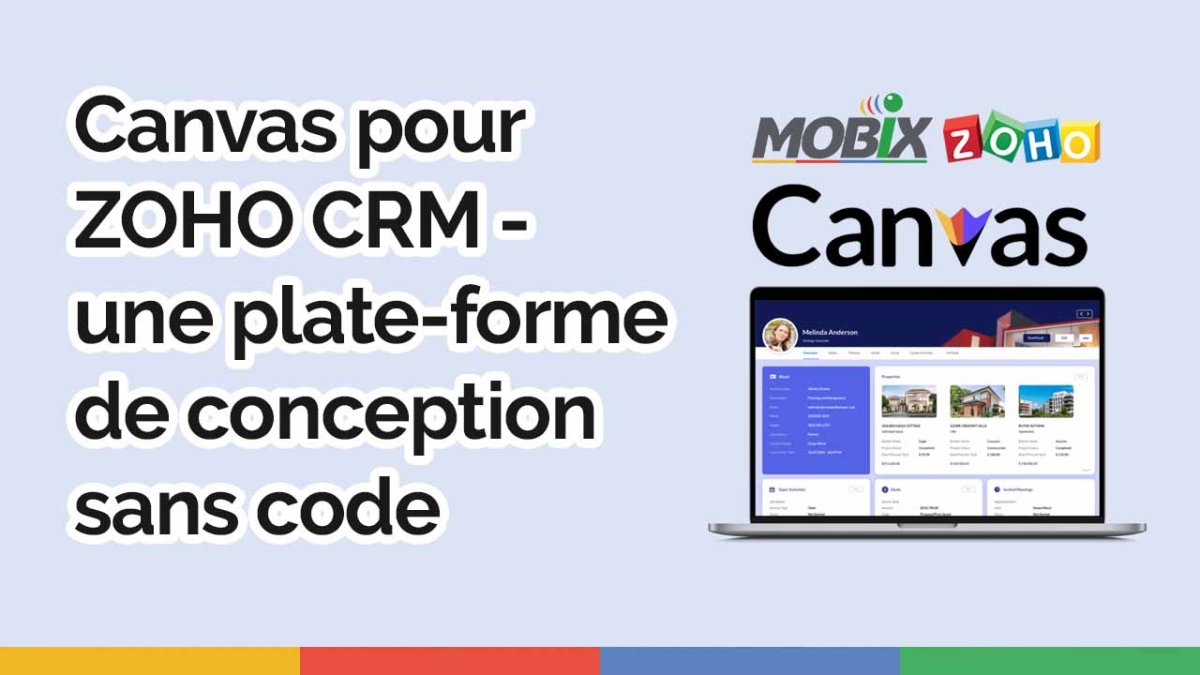
Canvas pour Zoho CRM - la nouvelle fonction de Zoho CRM

Zoho a lancé Canvas Design Studio, un studio de conception sans code, par glisser-déposer, intégré à Zoho CRM, qui permet aux entreprises de tous les secteurs de créer